WebAR, WebXR or a native app: which one do you need?
Choose the web when people should try something straight from a link, with nothing to install: a product viewer, a try on, a showroom or a campaign. Choose a native app when people will use it for long sessions or come back often, when you need the most from the device, or when it must work reliably without a signal. How often people use it is a clue, but what the experience has to do matters more.
Pixent Interactive is an XR development studio in Ahmedabad, India. We build both kinds, so this is a comparison without a favourite. Below are the three ways to launch AR from a website, the differences from an app, real examples of each and the questions that settle the choice.
Three ways to launch AR from a website
“WebAR” and “WebXR” are often used as if they mean the same thing. They do not, and the difference decides which phones your idea works on.
| Method | What it does | Where it works |
|---|---|---|
| WebXR | An open web standard for immersive AR and VR sessions. One page can switch between screen, AR and VR. | Chrome on supported Android phones for AR, headset browsers such as Meta Quest for VR. At the time of writing, Safari on iPhone does not support immersive WebXR sessions. |
| Built in AR viewers | The website hands a 3D model to the phone’s own viewer: Apple AR Quick Look on iPhone, Google Scene Viewer on Android. Simple and reliable, with little control over interaction. | iPhone and Android, each with its own file format |
| Camera tracking libraries | Code that runs in the page, reads the camera and tracks something: feet, a face, a printed image or the floor. Often a licensed SDK. | Most modern browsers on iPhone and Android, because it does not depend on WebXR. Each library lists the devices it supports, so test yours. |
In this article, “web AR” means any of the three. When the difference matters, we name the method.
The web or an app: the differences that matter
| In the browser | Native app | |
|---|---|---|
| Getting started | A link or a QR code. Loading time depends on how much 3D content there is. | Find it in the store, download it, open it. |
| Who will try it | Visitors who gain from instant access with nothing to install | People whose needs justify installing and keeping an app |
| Quality and speed | Good for many experiences, within what a browser allows | The most control over demanding graphics and long sessions |
| Device support | Depends on the browser and the method above. iPhone and Android differ. | Depends on the systems and hardware you support. Wider access to device features. |
| Without internet | Needs a connection to load. Some content can be stored for later visits if this is planned from the start. | Can work offline when the content is packed into the app and it is built for that |
| Updates | The new version is live on the next visit. | App changes go through store review. Content loaded from a server can change without a new release. |
| Where it lives | On your own website, next to your product | In the app store, on the visitor’s home screen |
When the web is the right choice
The web wins when the hardest part is getting people to try it at all. Every extra step loses visitors, and installing an app is a big step for something a person may use once.
Two working demos we built, using two different methods:
- A car showroom in the browser, built on WebXR. A buyer picks a car, changes the paint, then places it in their own driveway in AR on an Android phone with Chrome, or walks around it in the Meta Quest browser. On any other screen, including an iPhone, they configure the car in 3D. It all opens from one link, built with three.js and React Three Fiber. See the car showroom.
- A shoe try on, built on a camera tracking library. On a laptop the shopper spins a 3D shoe. A QR code moves them to their phone, where they point the camera at their feet and see the shoe on them, live. It runs in the browser on Android and iPhone, iPhone users can also open the shoe in Apple AR Quick Look to place it in the room. That is a simpler view without foot tracking. See the shoe try on.
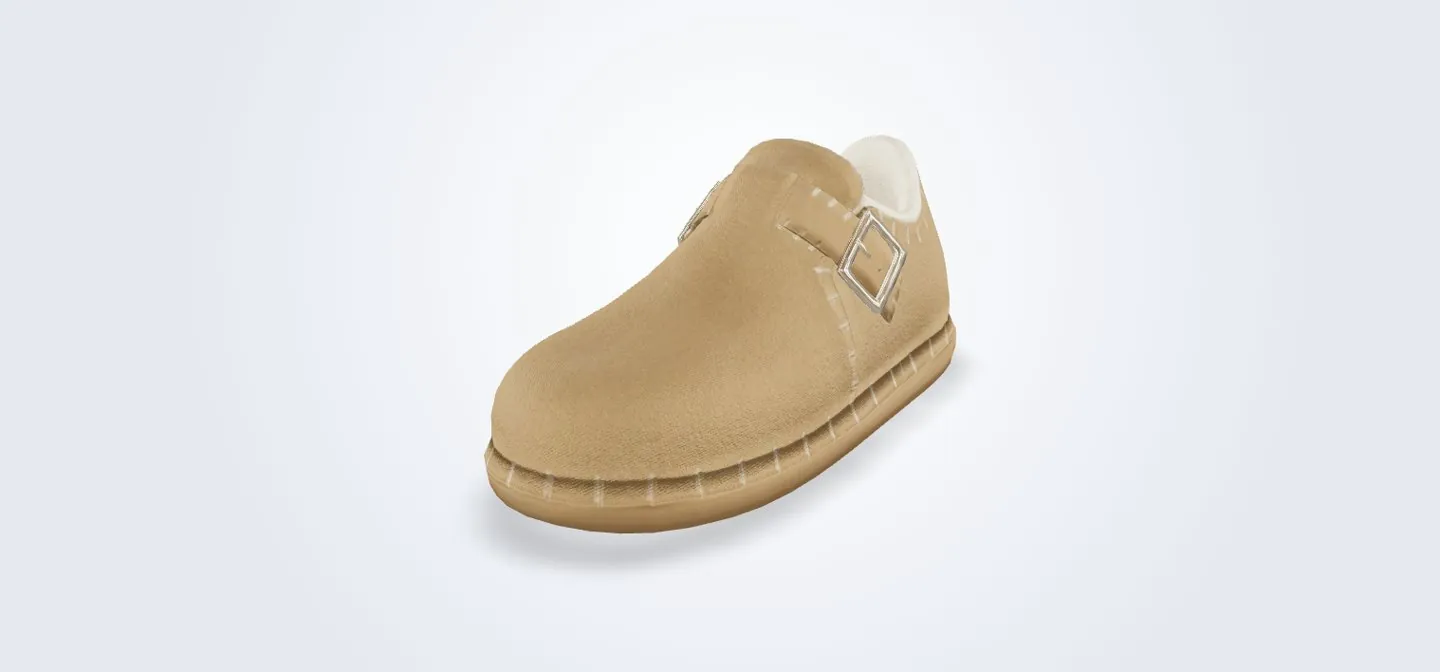
The two projects needed different methods. The showroom had to offer AR and VR from one page, so WebXR fitted. The try on had to follow moving feet and work on iPhone, which WebXR alone does not offer, so a tracking library fitted. In both cases the visitor is a shopper, not a fan, and will give you thirty seconds, not a download.
When a native app is the right choice
A native app wins when people use it for hours or days, or when the experience asks a lot of the device.
- An event or a route. For an art biennale we built an app with a map of every artist, live content and artworks in AR. Visitors used it again and again across a whole town for the length of the event. Built in Unity with AR Foundation, it gave one shared AR experience across supported iPhone and Android devices. See the biennale app.
- Places with weak signal. Forests, basements, exhibition halls and remote sites. An app can carry its content with it, if it is built to work offline.
- Games and training. Anything that needs smooth, detailed graphics for a long session.
- Headset experiences. Most serious VR for Meta Quest is still delivered as an app.
Common projects and the usual fit
A starting point, not a rule. The deciding reason matters more than the label.
| Project | Usual fit | The deciding reason |
|---|---|---|
| A product placed in a room | Built in AR viewers | Works on iPhone and Android with little custom code |
| A try on for shoes, glasses or watches | Camera tracking library in the browser | Needs foot, face or wrist tracking that WebXR alone does not provide, and must work on iPhone |
| A configurator in AR and VR from one link | WebXR | One page serves Android phones and headsets. iPhone visitors get the 3D view. |
| A guide used for hours at an attraction or event | Native app | Long sessions, location, and content that must work with a weak signal |
| VR training on Meta Quest | Native app | Performance and full access to the headset |
Five questions that settle it
- What must it do? Place a product, follow feet, fill a room, run for an hour. This decides the method more than anything else.
- How do people arrive? From an advert, a product page or a printed QR code, the web is the natural next step.
- How often will they use it? Short visits favour the web. Daily or long use makes an install worth it.
- Is there always an internet connection? If not, an app built for offline use is the safer choice.
- Which phones do your customers use? Test early on both iPhone and Android, because Safari on iPhone does not run WebXR AR and needs one of the other methods.
You can do both. A project can start on the web to prove that people want it, then become an app once the idea has earned a place on the home screen. The design and what you learn carry over. The 3D models can be reused after conversion and optimisation, but most code is rebuilt, because the web and the app usually run on different engines, for example three.js in the browser and Unity in the app.
What each one costs
At Pixent, XR projects of either kind start at $10,000. A simple product viewer on the web sits at the lower end. Cost rises with the amount of 3D content, the number of devices to support, any tracking library licence and how much the experience has to do.
If you are not sure which route fits, a Prototype Sprint answers it for a fixed $4,500. We agree with you the part of the idea you are least sure about, and in 2 to 3 weeks you hold it as a working version on the phone or headset you choose. You see whether the interaction works, how it looks and how quickly it loads before you pay for the full build. Discuss a Prototype Sprint →
Questions people ask
Does WebXR work on iPhone?
Not in Safari on iPhone, at the time of writing: it does not support immersive WebXR sessions. iPhone visitors can still get AR from a website in two other ways. Apple AR Quick Look places a 3D model in the room, and camera tracking libraries run AR inside the browser, which is how our shoe try on works on iPhone. WebXR AR works in Chrome on supported Android phones, and WebXR VR works in headset browsers such as Meta Quest.
What is the difference between WebAR and WebXR?
WebAR is the general name for AR that opens from a website. WebXR is one specific web standard for immersive AR and VR sessions in supported browsers. Other kinds of WebAR use camera tracking libraries or the phone’s own AR viewer, and do not depend on WebXR.
Is web AR cheaper than an app?
Not always. One web build can reach many devices without app store releases, but you still test on many browsers, may need a separate route for iPhone, and may pay a licence for a tracking library. For a short campaign or a product viewer it is usually the cheaper route.
Can we start on the web and move to an app later?
Yes, and it is a sensible order. The design and what you learn from real users carry over, and the 3D models can be reused after conversion and optimisation. Most of the code is rebuilt, because the web and the app usually run on different engines.
Do visitors have to give permission?
It depends on the method. Camera tracking libraries and WebXR AR ask the visitor for permission, and the visitor can refuse. Apple AR Quick Look and Google Scene Viewer open the phone’s own AR viewer, which handles the camera itself. Either way, say on the page what will happen before the visitor taps.
What does a web AR or XR project cost?
At Pixent Interactive, XR projects start at $10,000. A Prototype Sprint costs a fixed $4,500 and gives you a working version on a real phone or headset in 2 to 3 weeks.