Try shoes on your own feet, straight from the browser
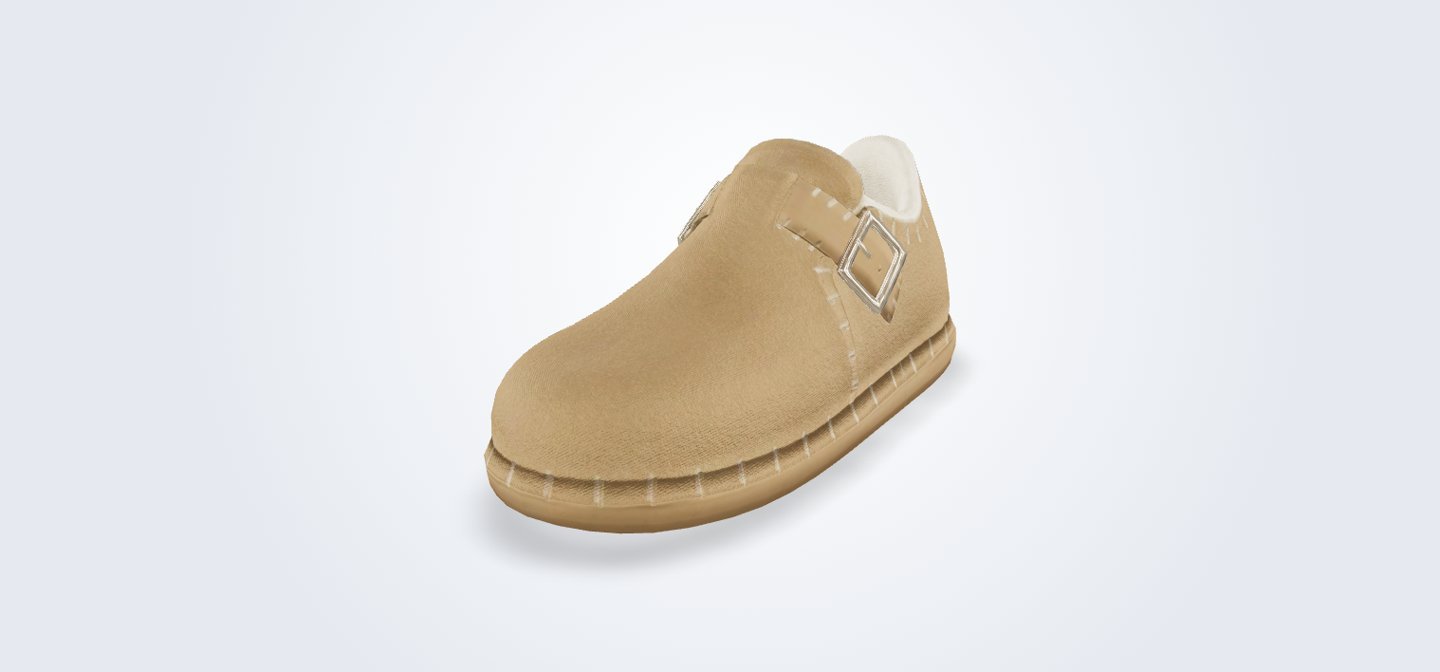
We built a virtual try on for shoes that runs in the web browser. On a laptop, shoppers spin a detailed 3D shoe. On a phone, they point the camera at their feet and see the shoe on them, live. No app to install. Everything, from the 3D shoe to the try on, was made in house by Pixent.
- TYPE
- Pixent internal demo
- INDUSTRY
- Fashion, footwear and retail
- WHAT WE BUILT
- 3D shoe viewer and live AR foot try on
- WHERE IT RUNS
- Any browser: laptops show 3D, phones show AR
- No app to installIt opens from a link
- Live foot trackingThrough the phone camera
- One scanA QR code takes laptop shoppers to their phone
- Built in houseIncluding the 3D model
Shoes are hard to buy without trying them on
Online shoppers cannot see how a shoe looks on their own feet, so they hesitate, or buy several sizes and send most back.
Product photos show the shoe, never the shoe on you.
The goal was a try on anyone can open from a product page, with nothing to download.
From product page to your feet in one tap
We built the 3D shoe, a web viewer and a live AR try on that works through the phone camera.
- 01
Model the shoe in 3D
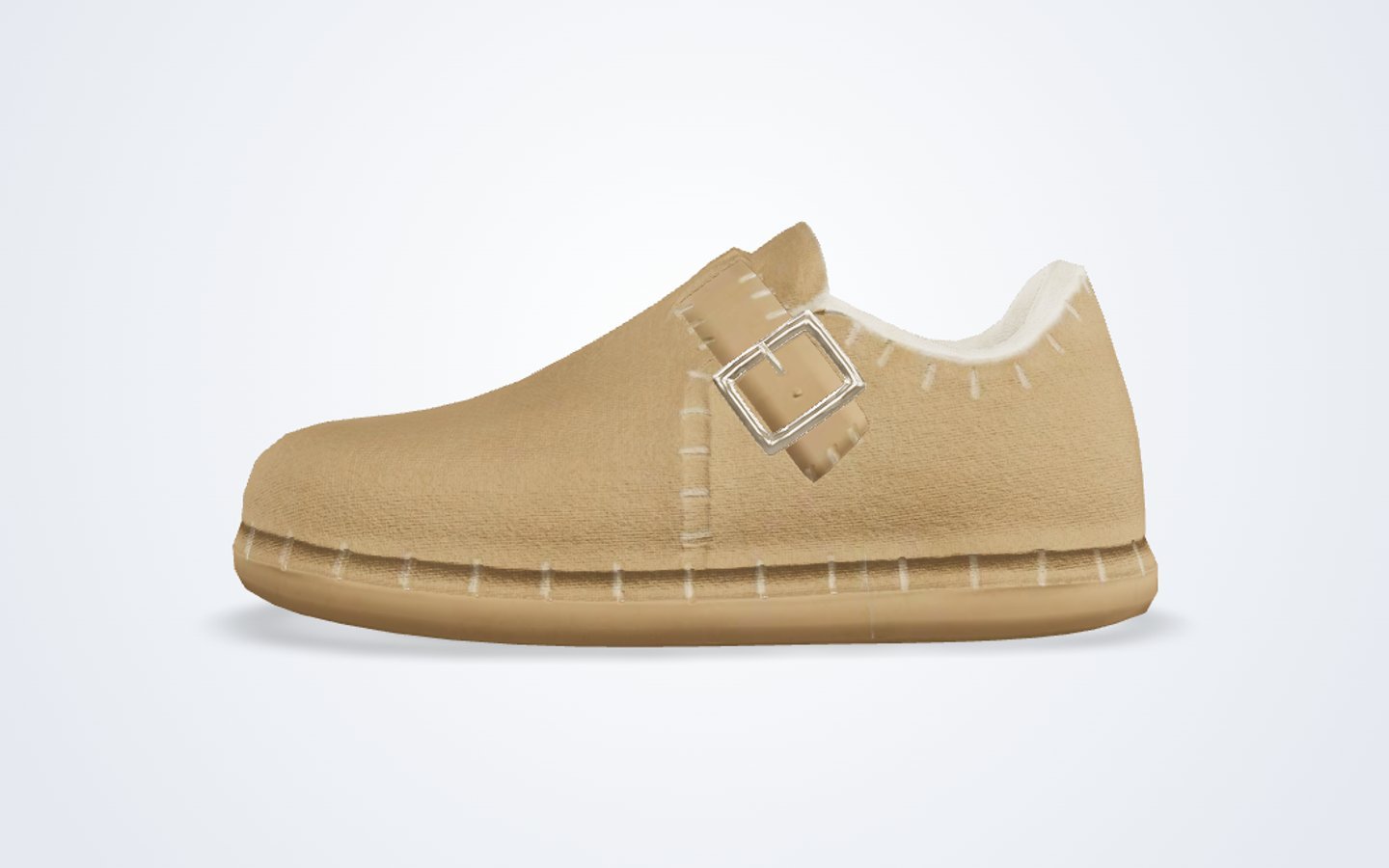
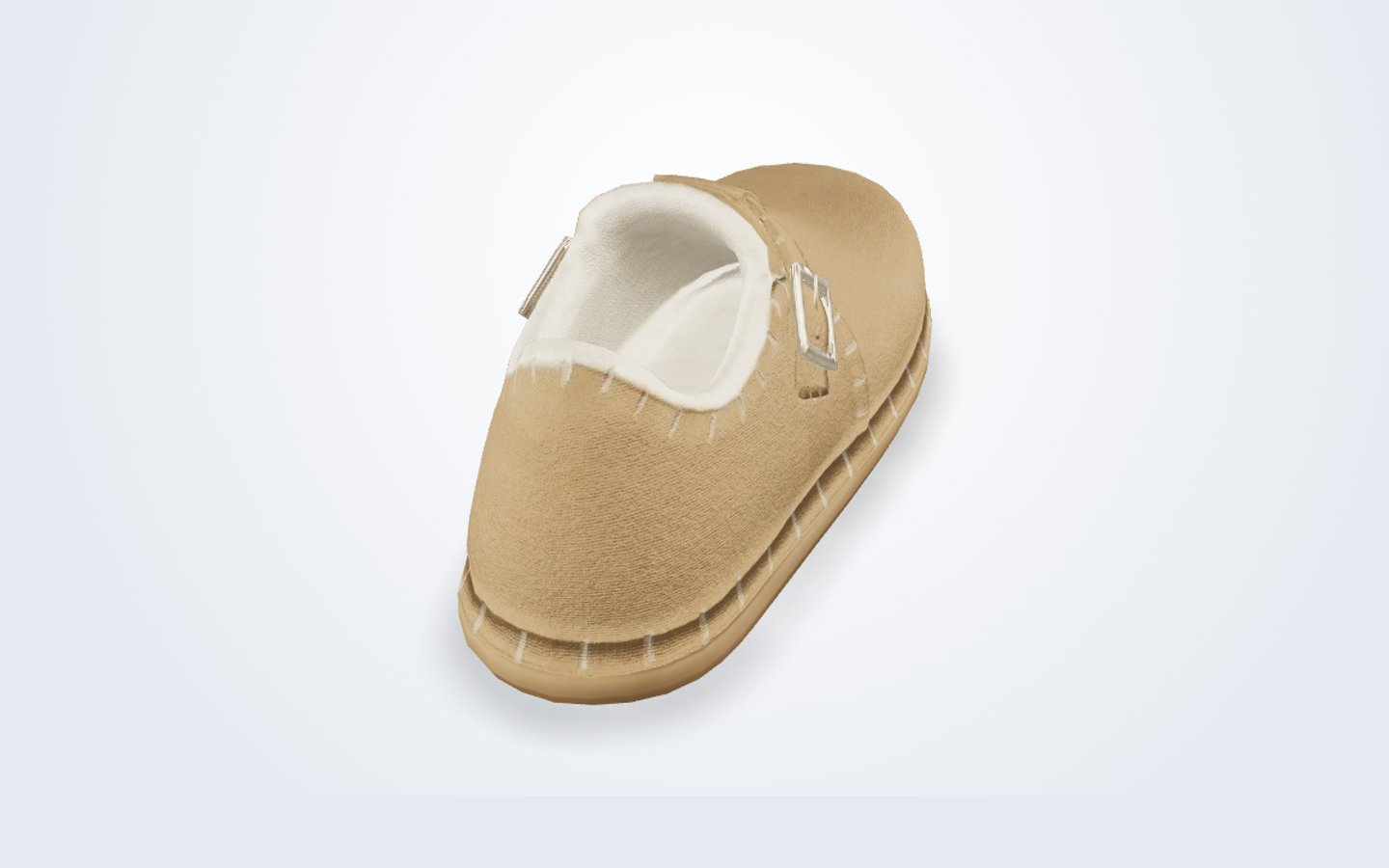
Our artists built the shoe in full detail: suede texture, stitching, buckle and lining.
THE CHALLENGEA detailed shoe can be too heavy to load quickly on a phone.HOW WE SOLVED ITWe kept the detail where the eye goes and optimised the rest, so it looks real and still loads fast. - 02
Show it on any screen
On a laptop, shoppers spin and zoom the shoe right on the page.
THE CHALLENGEMost shoppers browse on a laptop but can only try on with a phone.HOW WE SOLVED ITA Virtual Try On button shows a QR code that opens the try on on their phone in one scan. - 03
Track the feet live
On a phone, the camera finds the shopper’s feet and places the shoe on them in real time.
THE CHALLENGEFeet move, turn and get partly hidden, and the shoe has to stay locked in place.HOW WE SOLVED ITWe used real time foot tracking, so the shoe follows every step and turn. - 04
Open from a link
The whole experience runs in the browser, on Android and iPhone.
THE CHALLENGEEach phone handles web AR a little differently.HOW WE SOLVED ITThe page detects the device and sends shoppers straight to the right experience.
Try before you buy, from any product page
Shoppers see the shoe in 3D, then on their own feet, without leaving the browser. The same approach works for watches, glasses, bags and any product people want to try first.
- 3D viewer for laptops and desktops
- Live AR try on through the phone camera
- QR code hand off from laptop to phone
Inside the project
What it is built with
Want shoppers to try before they buy?
We build web based 3D viewers and AR try ons for footwear, fashion and accessories. Start with a 2 to 3 week Prototype Sprint from $4,500, or book a call.